How to Make Payments
Choose your preferred payment method below to subscribe or renew your HudoTV plan. We've made it simple and secure—scan the QR code, use the payment ID, or click the link to complete your transaction.
Bitcoin
Scan • Pay • Secure ₿
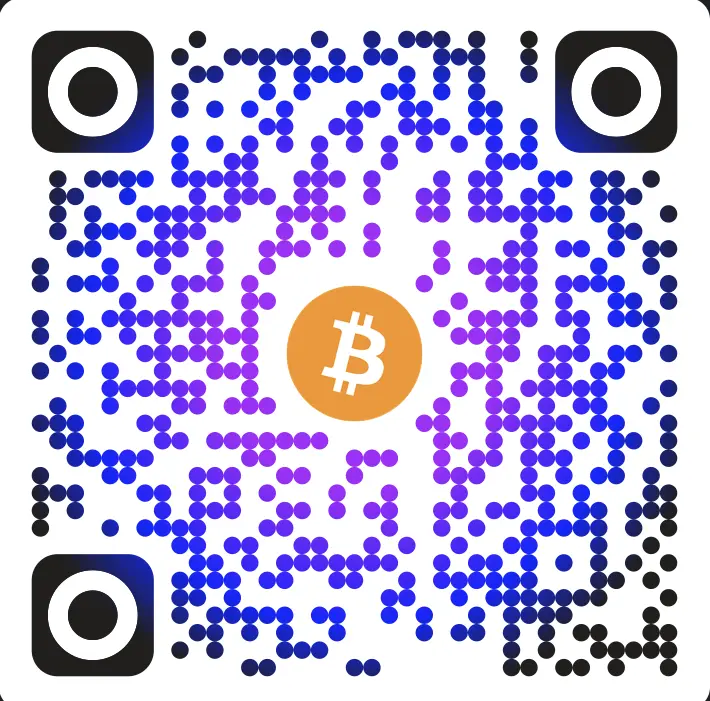
Bitcoin Wallet:
bc1qtch8yfpy9s70r7rgeshjjaqpdjnqmwg7utg4p2
Ethereum
Scan • Pay • Secure Ξ
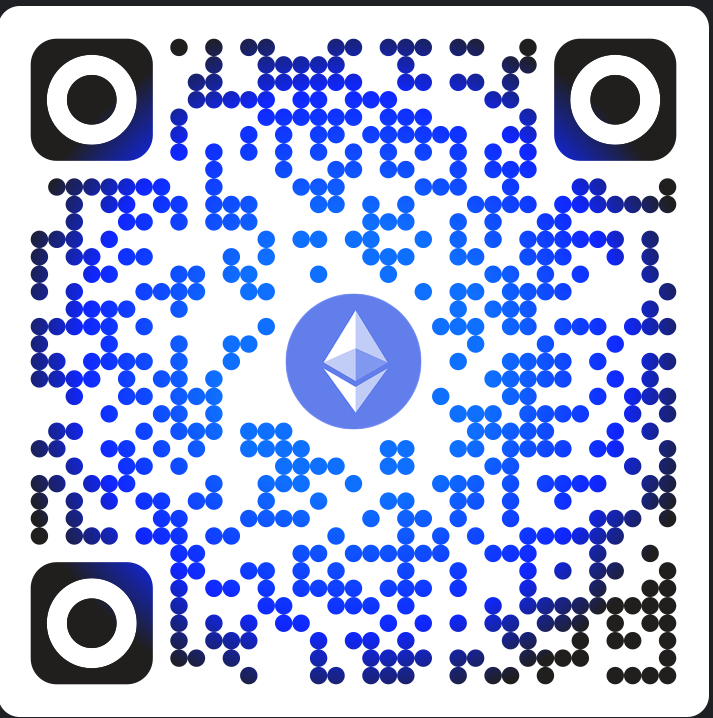
Ethereum Wallet:
0xA85712b6751c13C7024BA15f9F2D0F4bFD2Ab33f
USDC
Scan • Pay • Secure $
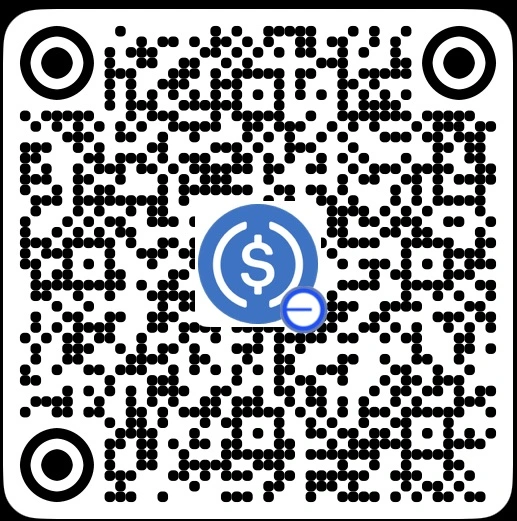
USDC Wallet:
0x27F489Adc62564c38294358bbDfc35F1D9a56E40
Next Steps: Please send us a WhatsApp message, text, or email a screenshot of your payment confirmation. Make sure to include your name and the subscription tier you're paying for.
- 👉 3 Days Free Trial - $0
- 👉 One TV Monthly - $12/month
- 👉 Two TVs Monthly - $20.40/month
- 👉 Three TVs Monthly - $25.20/month
- 👉 One TV Yearly - $100/year
- 👉 Two TVs Yearly - $170/year
- 👉 Three TVs Yearly - $210/year
Still need help? Contact us on WhatsApp or email us at info@support.hudo.net.